
Jurgens Technic Corner
Home of Jurgen’s Lego® creations
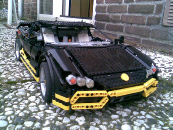
Building instructions download-area
- Part 1 (PDF, 9,3 MB)
- Part 2 (PDF, 9,5 MB)
- Part 3 (PDF, 9,4 MB)
- Parts List (Brickstock XML-file)
- Parts List at Rebrickable.com
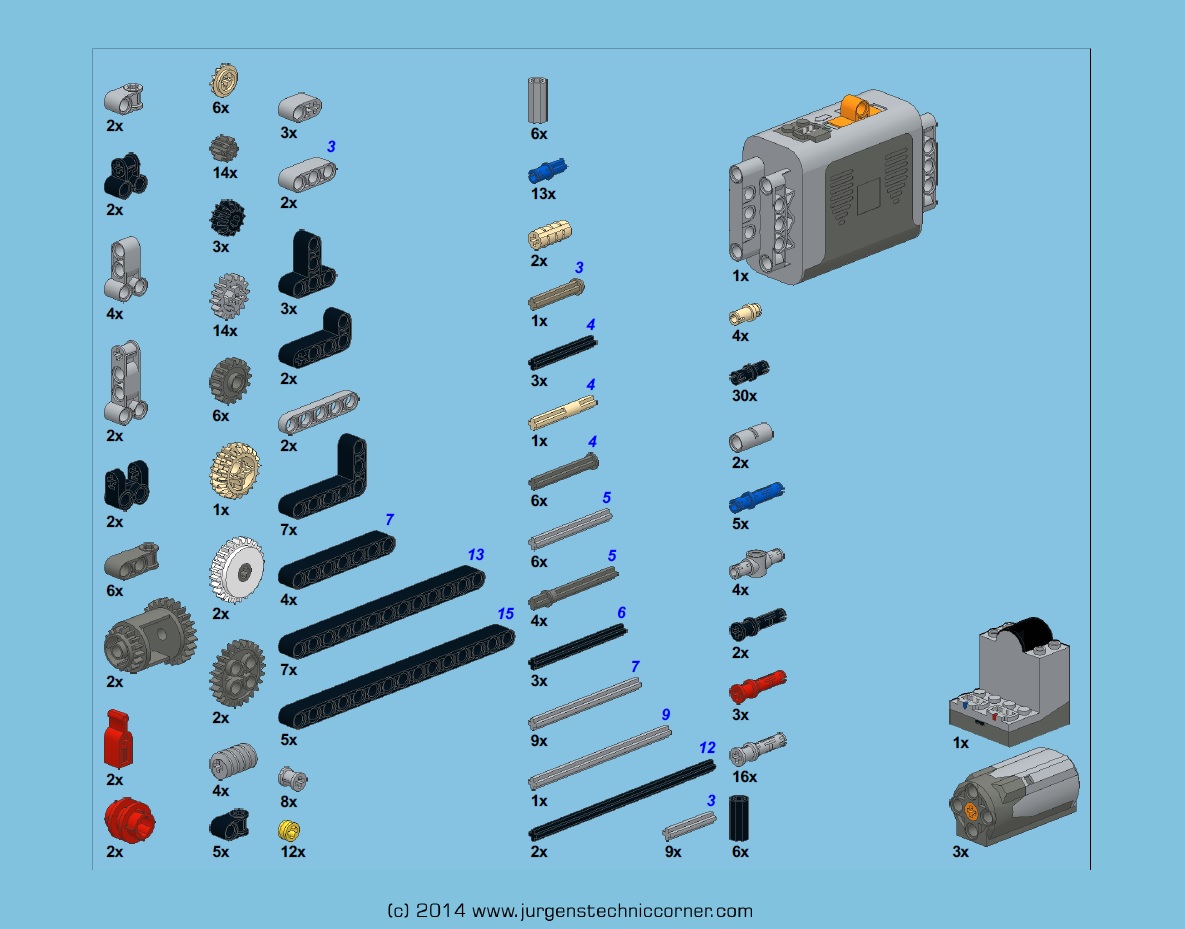
Part 3 contains a parts list as image

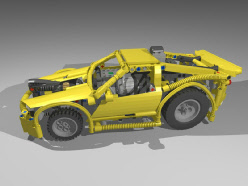
- Part 1 (PDF, 12,8 MB)
- Part 2 (PDF, 19,6 MB)
- Part 3 (PDF, 17,7 MB)
- Parts List (Brickstock XML-file)
- Parts List at Rebrickable.com
Part 3 contains a parts list as image

- Part 1 (PDF, 3,7 MB)
- Part 2 (PDF, 3,7 MB)
- Part 3 (PDF, 3,8 MB)
- Parts List (PDF, 1,1 MB)
- Parts List (Brickstock XML-file)
- Parts List at Rebrickable.com
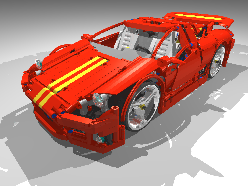
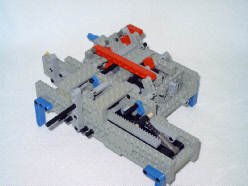

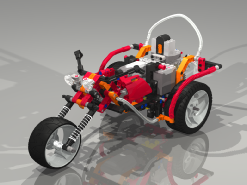
- Instructions (PDF, 14,9 MB)
- Parts List (Brickstock XML-file)
- Parts List at Rebrickable.com
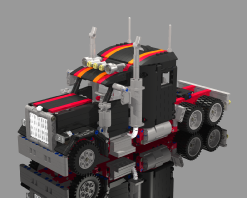
- Part 1 (PDF, 15,9 MB)
- Part 2 a for standard battery-box (PDF, 4,6 MB)
- Rart 2 b for 8878 Rechargeable battery (PDF, 4,6 MB)
- Parts List for standard battery version (Brickstock)
- Parts List for 8878 version (Brickstock)
- Parts list for standard battery version at Rebricksble.com
- Parts List for 8878 version at Rebrickable.com
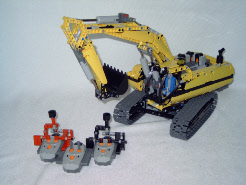
- Part 1 (PDF, 14,5 MB)
- Part 2 (PDF, 16,3 MB)
- Part 3 (PDF, 17,8 MB)
- Part 4 (PDF, 16,8 MB)
- Part 5 (PDF, 11,4 MB)
- Parts list (Brickstock XML-file)
- Parts List at Rebrickable
To load the Brickstock XML-files, right-click on the link and use “Save target as...”
To open the Brickstorck XML-files, Brickstock-software is required. This can be downloaded at www.brickforge.de . This program makes it easy to find the required parts at Bricklink.
http://brickstock.patrickbrans.com/
In Brickstock, there is an option “Export List XML to clipboard”. Use it after loading the parts-list file and press OK. Then the Bricklink site opens on the "Wanted list Mass Upload page". Paste the wanted list to the entry field (Ctrl + V) and press "verify items". Scroll down and press "Upload file" and then "view your updated wanted list"
If you go to the (next) tab "By shop" you can see which shop have how many of the parts you need.
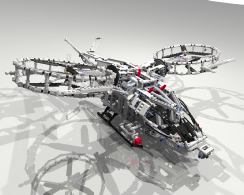
Barman’s Avatar Helicopter
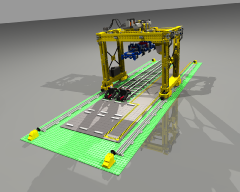

- Buy instructions for only € 10
- See the online parts list at Rebrickable.com
- Instructions come as 175-page PDF-file with parts-list image and Brickstock parts-list.
- To buy the instructions, send € 10 to Paypal-adress info@jurgenstechniccorner.com,
subject: Zorex
or send an email to info@jurgenstechniccorner.com
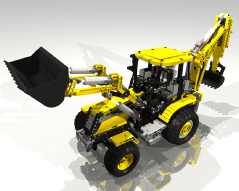
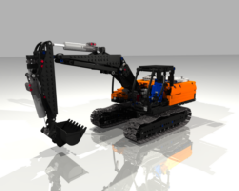
- Buy instructions for only € 10
- See the online parts list at Rebrickable.com
- Parts-list Image
- Instructions come as 254-page PDF-file with parts-list image and Brickstock parts-list.
- To buy the instructions, send € 10 to Paypal-adress info@jurgenstechniccorner.com,
subject: Backhoe
or send an email to info@jurgenstechniccorner.com
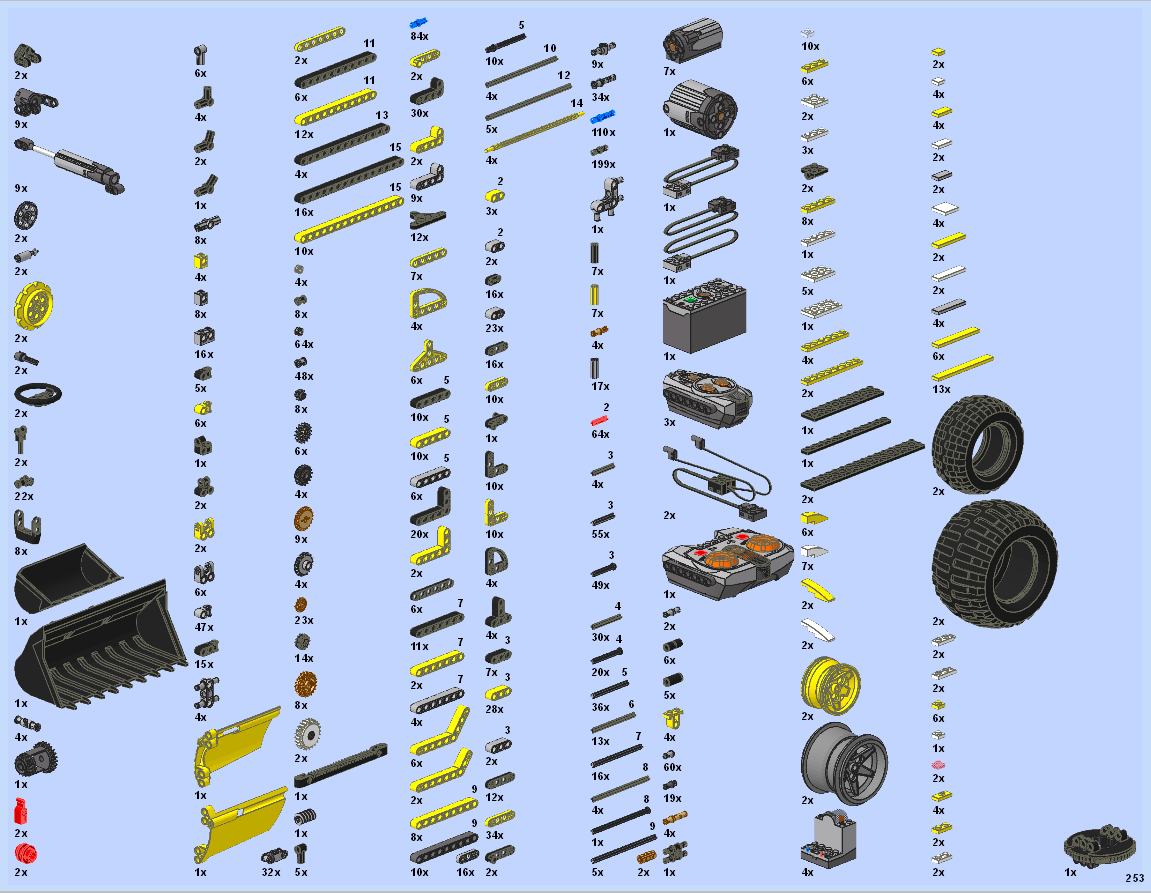
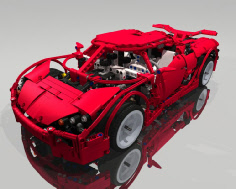
- Buy instructions for only € 10
- Online Parts list at Rebrickable.com
- Parts-list Image
- Instructions come as 294-page PDF-file with Brickstock parts-list.
- To buy the instructions, send € 10 to Paypal-adress info@jurgenstechniccorner.com,
subject: Koenigsegg
or send an email to info@jurgenstechniccorner.com

Sheepo’s Landrover Defender 110
- Buy instructions for only € 20 at www.sheepo.es
- Online Parts list at Rebrickable.com
- Instructions come as 448-page PDF-file with parts-list.


- Instructions (PDF, 103 MB)
- Complete Parts List (Brickstock XML-file)
- Additional Parts List (Brickstock XML-file)
- Parts list at Rebrickable
- Complete parts list Part 1 & Part 2 (PNG-image)
- Additional parts (PNG-image)


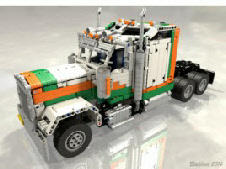
- Buy instructions for only EUR 15
- DELUXE version Parts List (Brickstock XML-file)
- BASIC version Parts List (Brickstock XML-file)
- Parts list at Rebrickable coming soon
- DELUXE Parts list Part 1 , Part 2 & Part 3 (PNG-image)
- BASIC Parts list Part 1 , Part 2 & Part 3 (PNG-image)
- To buy the instructions, send € 15 to Paypal-adress info@jurgenstechniccorner.com,
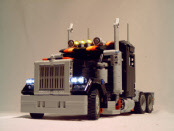
subject: Kenworth
or send an email to info@jurgenstechniccorner.com


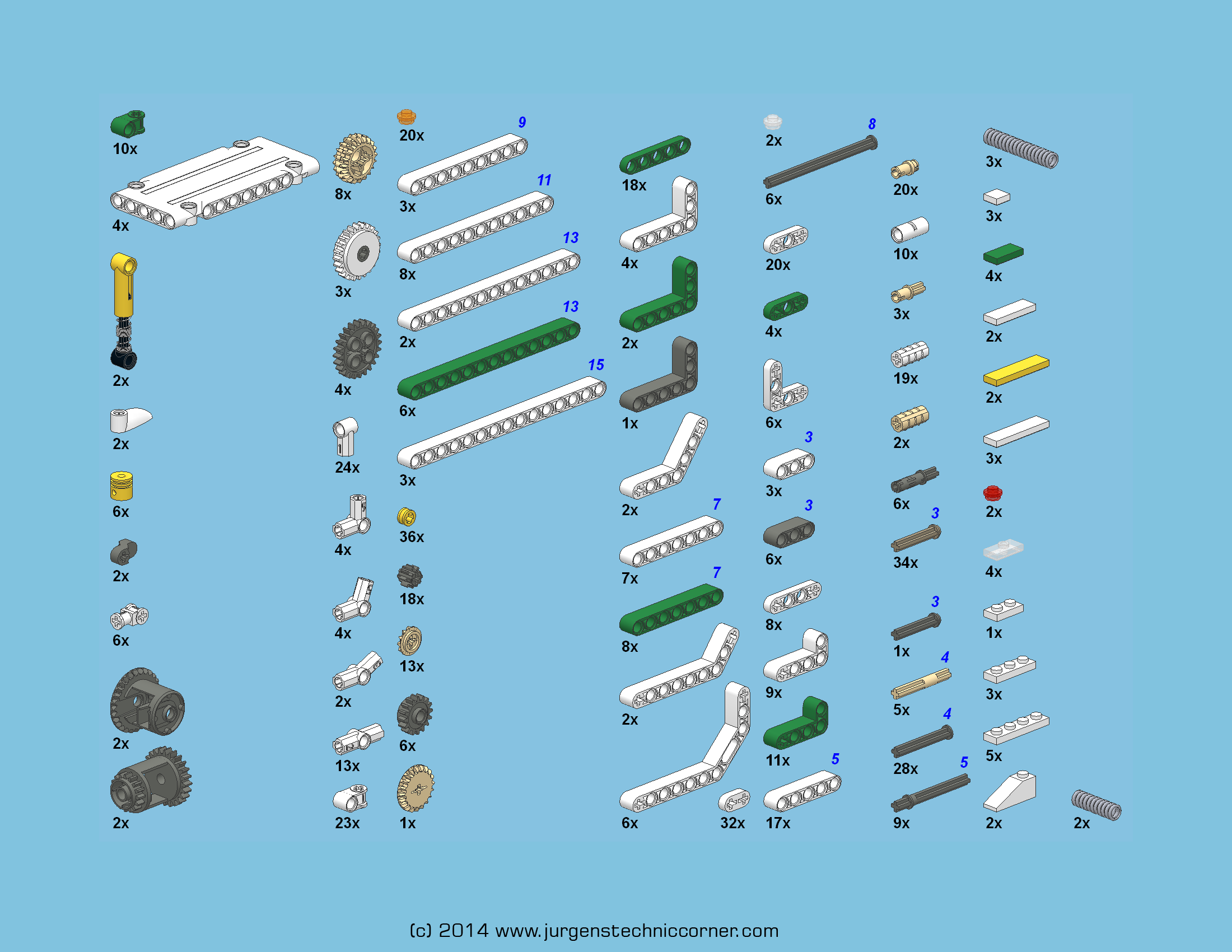
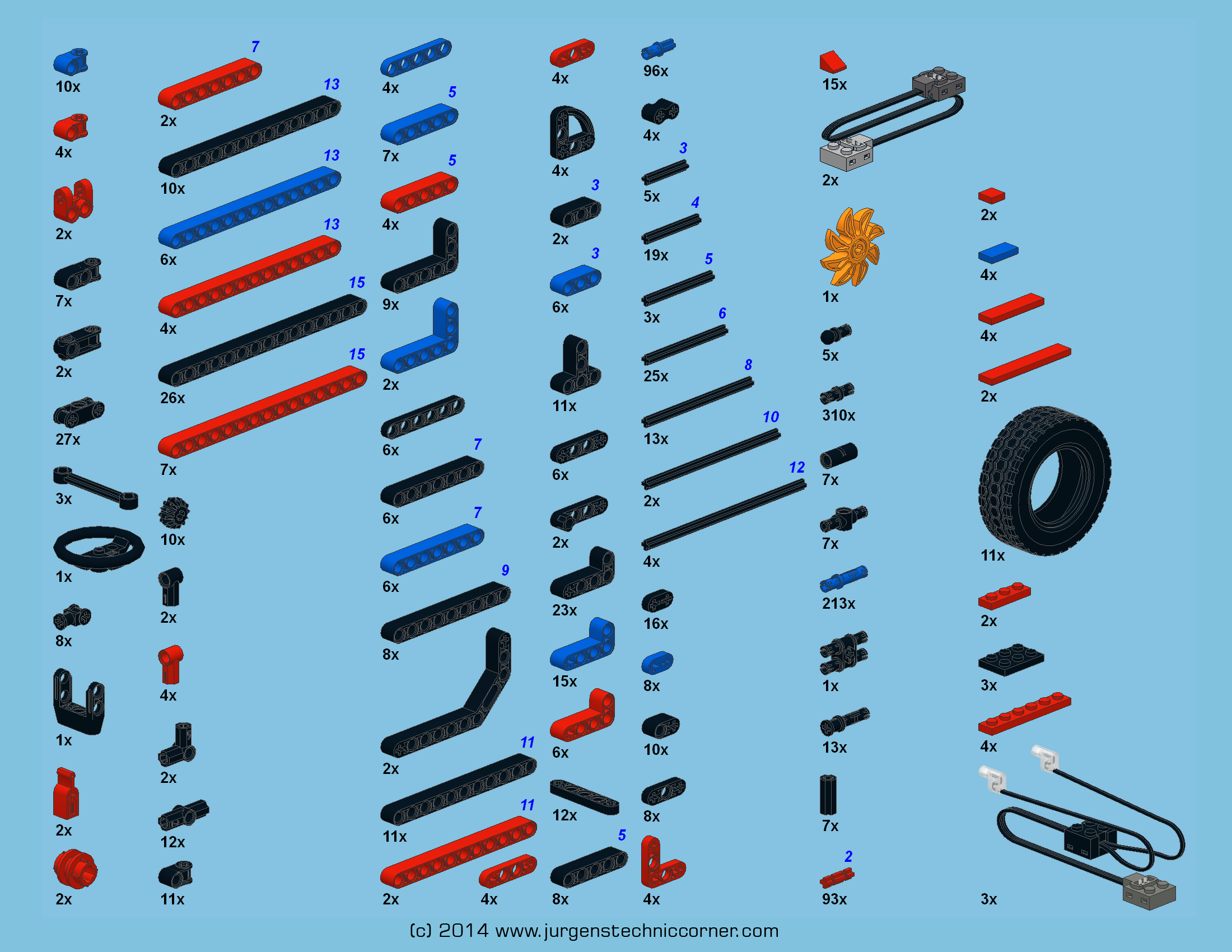
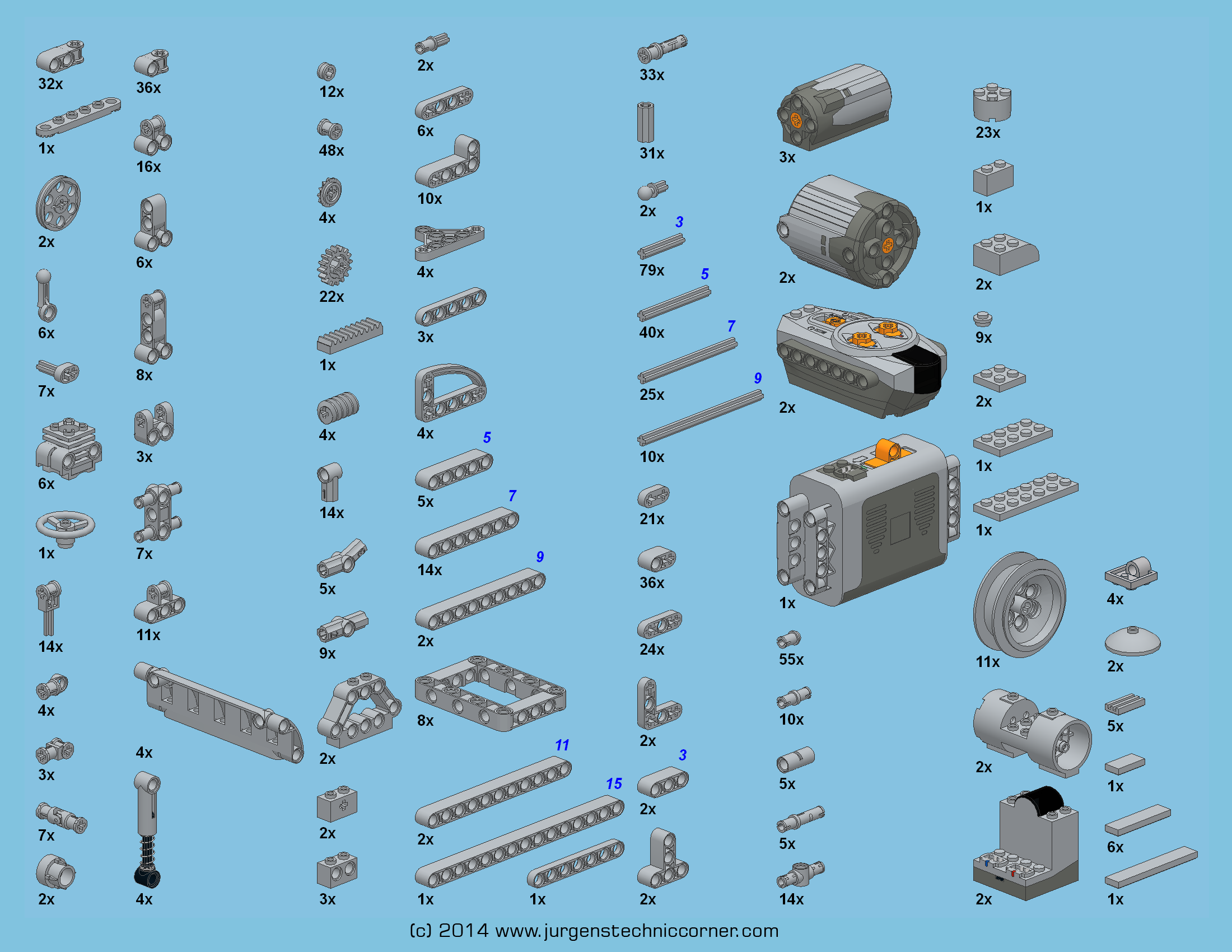
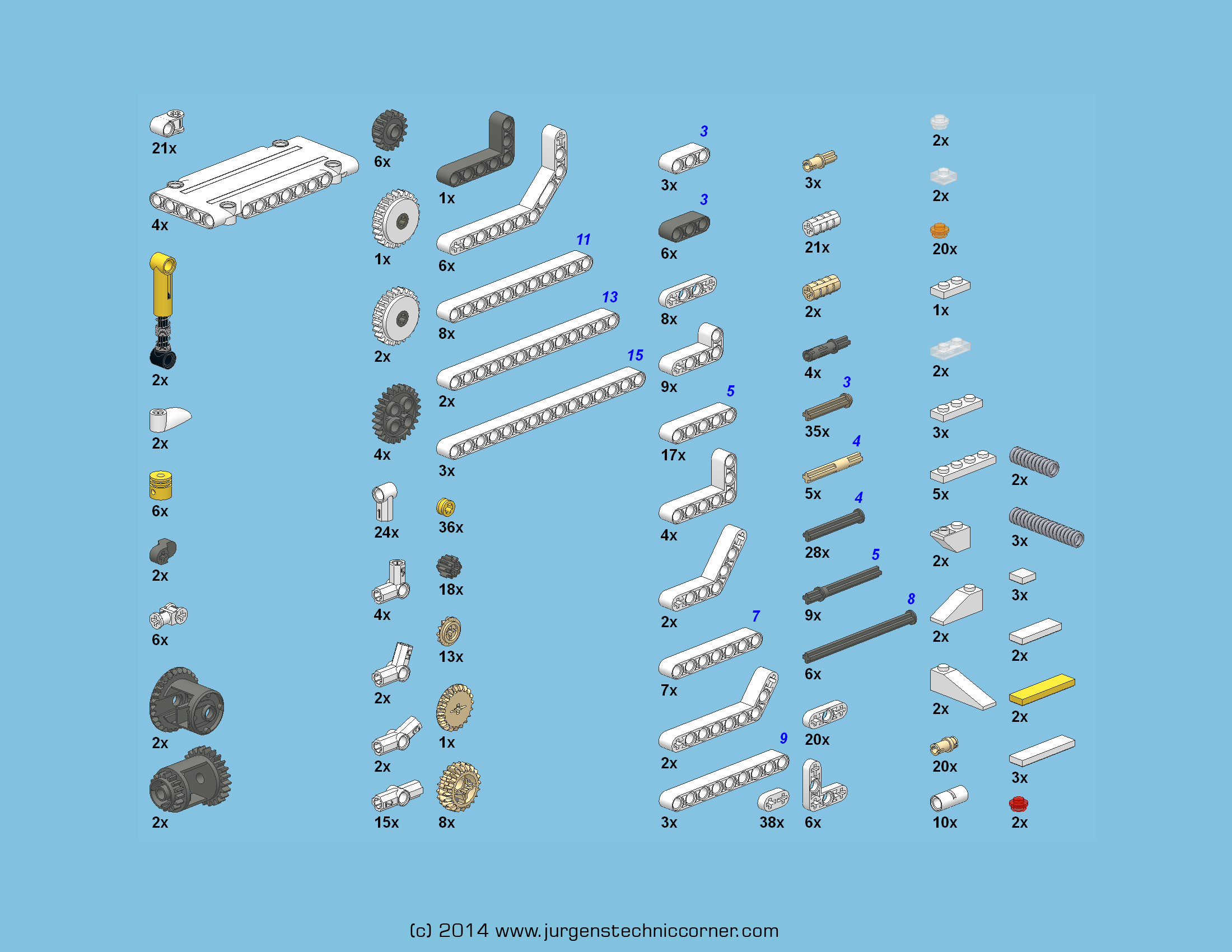
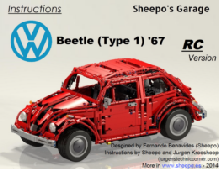
- Buy instructions for only € 20 at www.sheepo.es
- Instructions come as 553-page PDF-file with parts-lists.

Sheepo’s Ford Mustang GT500 Shelby
- Buy instructions for only € 20 at www.sheepo.es
- Instructions come as 611-page PDF-file with parts-lists.
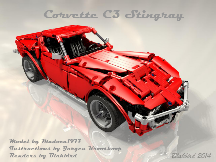
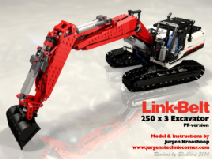
- Buy instructions for EUR 15 (PF & SBrick Version)
- Parts list at Rebrickable.com coming soon
- Parts list PF-version (Brickstock XML-file)
- Parts list SBrick-version (Brickstock XML-file)
- Parts list images (ZIP-file with PNG Images)
- To buy the instructions, send € 15 to Paypal-adress info@jurgenstechniccorner.com,
subject: LinkBelt
or send an email to info@jurgenstechniccorner.com